Private Label Rights
How To Check Your Visitor / Usage Stats In Cpanel
Learn how to efficiently check and analyze your website's visitor and usage statistics using Cpanel. This guide provides step-by-step instructions to access and interpret valuable data for improving your site's performance.
Size 96.68 MB
Published 13/06/2013
$3.90
About this product
How To Check Your Visitor / Usage Stats In Cpanel
Monitoring your website's activity and popularity is crucial for its success. Cpanel, a leading web hosting and management provider, offers an efficient way to check your stats. Here's a simple guide on how to do it:
Steps to check your stats in Cpanel:
- Determine the information you want to know about your website (e.g., total requests, visits, referrers)
- Access your hosting control panel at http://yourdomain.com/cpanel (replace with your actual domain)
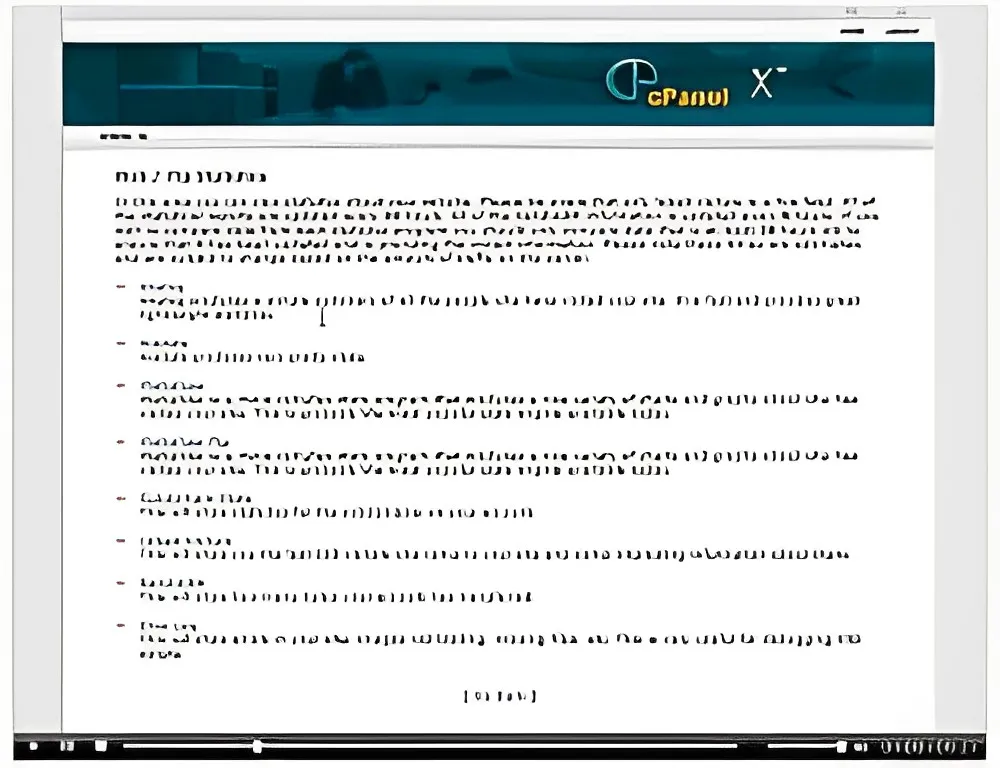
- On the Cpanel main screen, click the "Web/FTP Stats" button and choose "awstats"
- Review the displayed statistics, including visits by country, month, day, and hour
- Analyze the results to solve traffic problems and identify popular sections of your website
The statistics report provides valuable insights into your website's performance, including referrers, pages viewed, users' operating systems and browsers, searches within your site, and traffic by domain and file.
Regular review of these stats can help you make informed decisions about your website's content and structure, ultimately improving its performance and user experience.
This guide on "How To Check Your Visitor / Usage Stats In Cpanel" comes with Private Label Rights, allowing you to use and modify the content according to your needs.
Terms
You can
- Can be sold
- Can be used for personal use
- Can be packaged with other products
- Can modify/change the sales letter
- Can modify/change the main product
- Can modify/change the graphics and ecover
- Can be added into paid membership websites
- Can put your name on the sales letter
- Can be offered as a bonus
- Can be used to build a list
- Can print/publish offline
- Can convey and sell Personal Use Rights
- Can convey and sell Resale Rights
- Can convey and sell Master Resale Rights
- Can convey and sell Private Label Rights
- Can be translated to other languages
You cannot
- Can be given away for free
- Can be added to free membership websites
- Can be added to shops/memberhips containing more than 500 products
Need How To Check Your Visitor / Usage Stats In Cpanel with unrestricted PLR?
If you want to buy it with a Private Label Rights license, please contact us.